Prototype video and modeling demonstrations show gesture control, viewpoint updates, and display occlusion; the ACADIA 2014 paper describes the system. View evidence ↓
InSpire is an interactive 3D modeling system that places hand gestures and digital geometry in the same visual space. An optical see-through display, hand sensing, and head tracking let a designer create, reshape, and inspect a model through spatial movement.
I led the project and developed the prototype at the University of Washington. The project explores how the coordination of hand, eye, and model can support architectural schematic design, bringing the immediacy of making and handling a physical model into a digital workflow.
Working prototype
A wireframe model appears above the hand (left), and a hand interacts with displayed geometry through the transparent screen (right).
Prototype demonstration
Original demonstration of InSpire’s integrated spatial gesture-based modeling and display.
Bringing the model into reach
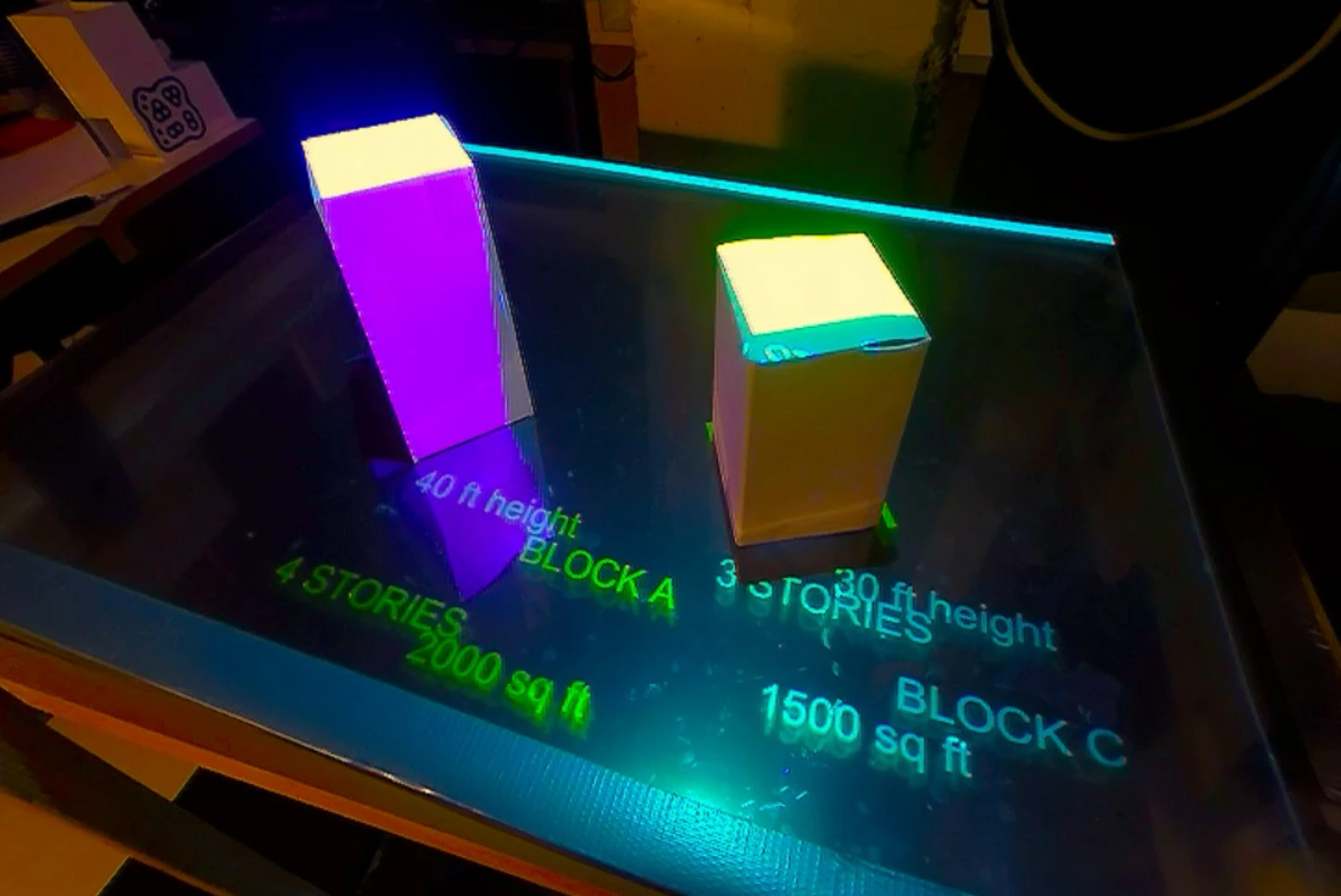
InSpire is a single-user workstation combining a mini projector, rear-projection surface, adjustable semi-reflective screen, Leap Motion sensor, RGB webcam, and tablet. The reflected image and the view through the screen overlap, so the user sees digital geometry in the space occupied by their hands. The sensing volume and display area are arranged together to support direct spatial interaction.
The tablet handles commands that have no clear physical gesture, including saving files, deleting objects, setting layers, and assigning textures. It sends Open Sound Control (OSC) messages over Wi-Fi. This division lets the hands shape and manipulate geometry while the tablet manages the surrounding modeling tasks.
Optical display and tracking arrangement (left), and the tablet command panel beside the gesture-sensing area (right).
Turning hand movement into geometry
The prototype is built on Rhino and Grasshopper. Leap Motion reports fingertip and palm positions, trajectories, and speeds. These data enter Grasshopper over UDP, where Python components extract hand coordinates. Gesture rules use finger and palm counts, movement speed, and direction vectors to activate modeling operations.
In modeling mode, users draw lines, polylines, and curves; create surfaces and volumes; and select, move, scale, or rotate objects. A virtual “hot-wire” cutting gesture and control-point adjustments allow an existing form to be developed further. Navigation uses a separate trigger mode: two-finger gestures change the camera’s direction to move around or through an architectural model.
The modeling gesture vocabulary—push, click, drag, select, and move/rotate (left)—and a two-finger camera-navigation demonstration (right).
Modeling operations
Drawing a polyline directly in space (left) and extruding it into a surface or solid form (right).
Drawing freeform curves (left) and creating a three-dimensional volume (right).
Editing a form with the virtual hot-wire tool (left) and moving or rotating an object with two hands (right).
Keeping hands, model, and viewpoint aligned
Head tracking adds motion parallax: the displayed view changes when the user moves. Two LEDs mounted on a pair of glasses provide targets for the RGB webcam. Their image positions and apparent separation are used to estimate the viewer’s location and update Rhino’s rendering viewpoint, strengthening the impression of looking into a shared three-dimensional workspace.
Glasses fitted with two tracking LEDs (left) and the view-dependent cube display (right).
Hand occlusion addresses a different depth cue. A reflected model can otherwise appear to sit on top of the hand even when the hand should be closer to the viewer. InSpire builds a simplified digital hand from the sensor data and renders it in flat black. Where that hand lies in front of the model, it masks the projected geometry; the dark region remains visually transparent, revealing the real hand beneath.
Illustrations of the depth conflict (left) and the intended hand–model relationship after occlusion correction (right).
Prototype photographs documenting the hand–geometry depth relationship before and after the occlusion adjustment. Source: ACADIA 2014, Figure 8.
Research contribution and scope
InSpire demonstrates an integrated system for creating, editing, and viewing freeform geometry through spatial gestures. I led the research at the University of Washington. Presented at ACADIA 2014, the work connects interface design, computational geometry, optical display, and human–computer interaction in an architectural modeling tool.
The paper documents the working prototype and application scenarios. It does not report a controlled measurement of gains in modeling speed or design quality. Its strongest application is early massing and schematic exploration: vision-based positioning is approximate, the prototype lacks CAD-style object snapping and tactile feedback, and the workstation serves one user. More precise constraints, haptic feedback, and shared modeling were identified as directions for further development.
Publication
Teng, T. and Johnson, B. R. (2014). “InSpire: Integrated Spatial Gesture-Based Direct 3D Modeling and Display.” ACADIA 2014: Design Agency, pp. 445–452.
Related publications
All publications →-
Inspire: Integrated Spatial Gesture-based Direct 3D Modeling and Display
Design Agency [Proceedings of the 34th Annual Conference of the Association for Computer Aided Design in Architecture (ACADIA)] · 2014